
The best way to write, collaborate and publish your story
Whether you’re creating a manuscript, screenplay or stage play, Writuvo makes it easy to go from idea to finished product. When Inspiration strikes, work on your projects on any of your devices!
Write
A powerful, easy to use writing interface that syncs on all your devices. Keep a codex of the world you’ve created, save checkpoints and enjoy writing again.
Learn More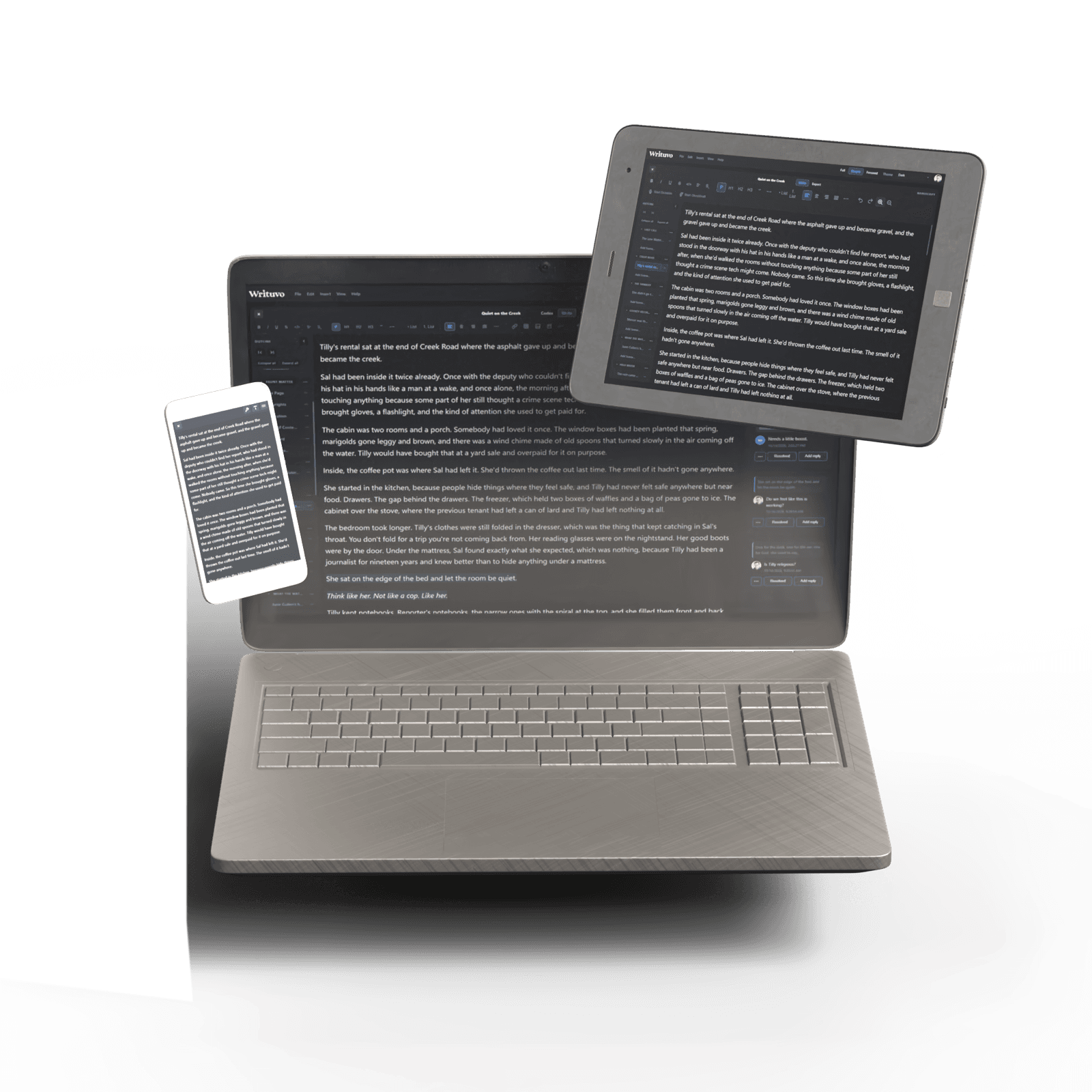
Collaborate
Work with collaborators and grant specific roles like editor, designer or co-author. Easily send your work to beta readers and collect structured feedback.
Learn More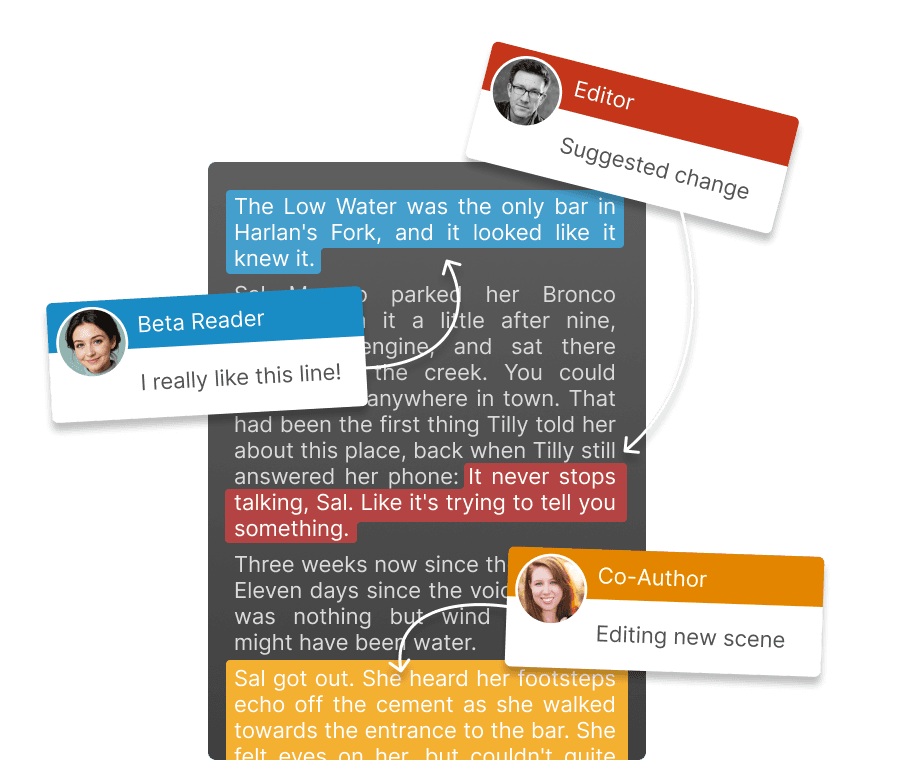
Publish
Format and preview your work for print and digital. Use customizable templates and export for platforms like Kindle, IngramSpark, Kobo and more!
Learn More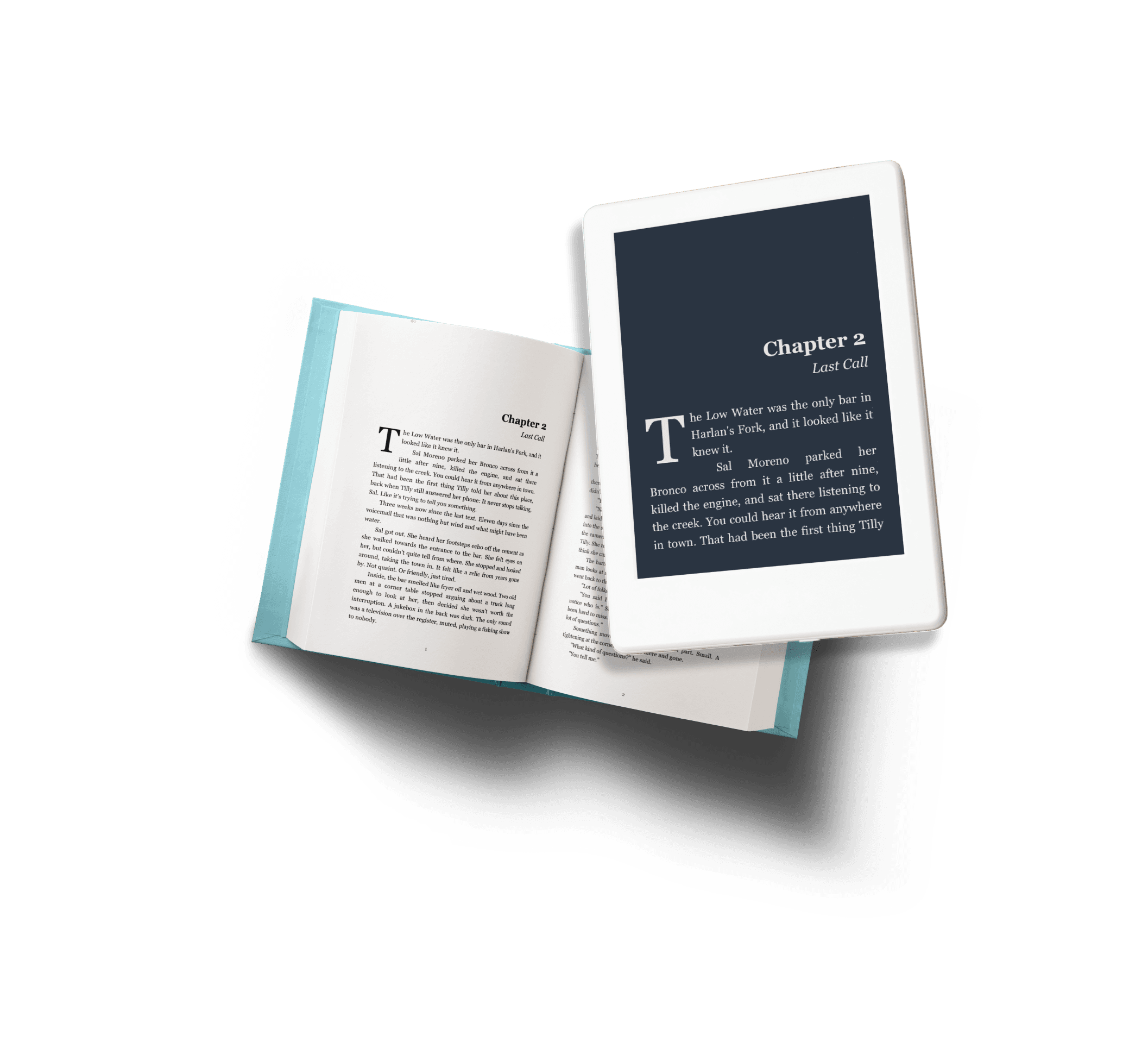


 Start Dictation
 Start GhostDraft


This is the writing interface!
It supports images, links, tables, hundreds of fonts, and you can create custom text styles to use throughout your project. Our “Focus Mode” clears all the tools, so it’s just you and your words.
You can switch to any color theme of your choice or create your own themes, add photos to the background and each chapter can use a different color theme for different character perspectives!
Follow us on Instagram @writuvo to keep up with all our exciting announcements!


Codex
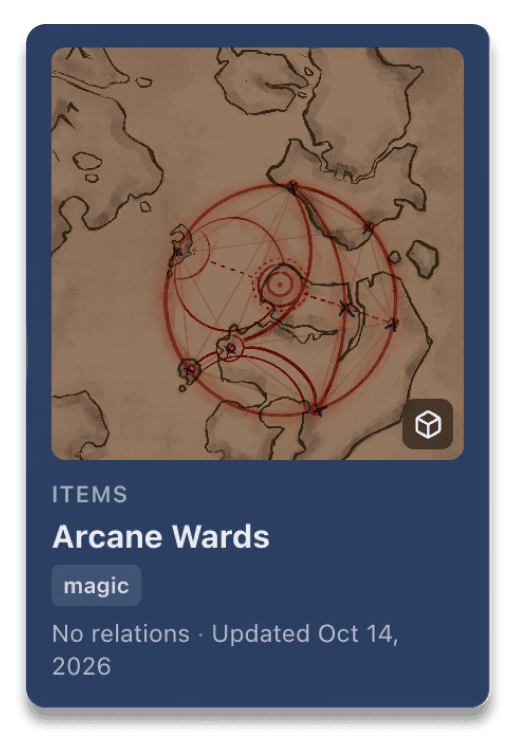
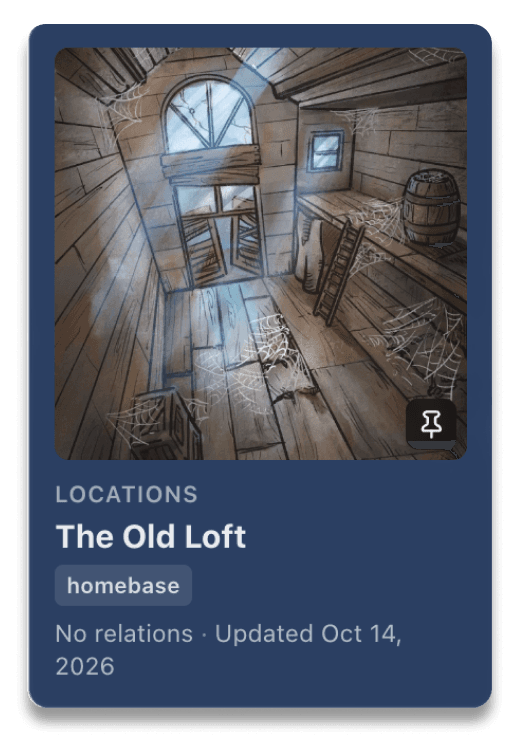
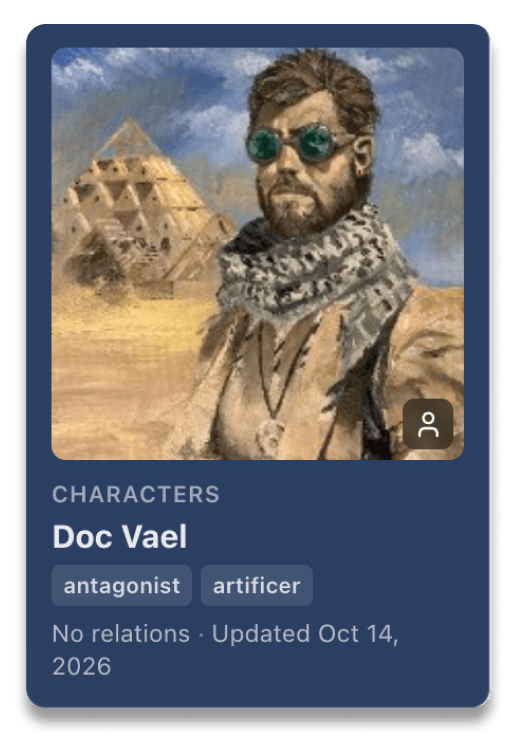
Keep track of all your characters, places, organizations, relics, clues and more! Your codex is available in its own space or in the right hand panel as you type.
Load your maps into the codex and use Writuvo’s custom measuring tool to view distance between locations. Could your heroes really get from the ancient shrine to the besieged city in one day? Let’s find out!
Dictation
Two modes to choose from!
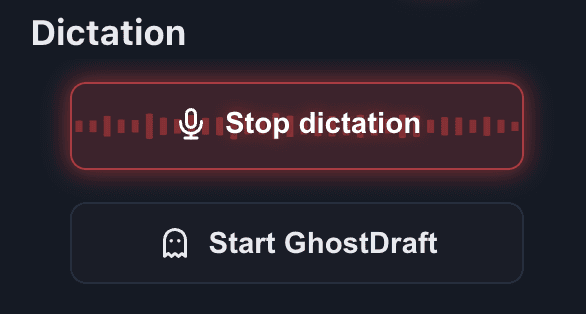
Dictation
Fast, accurate, and automatically adds in the proper punctuation for you. Perfect for saving time reading out a hand-written scene. CHNAGE TO: Save time with Writuvo’s next level dictation. Looking to read out a handwritten scene to add to your manuscript that is fast and accurate? Then Writuvo’s dictation is right for you!
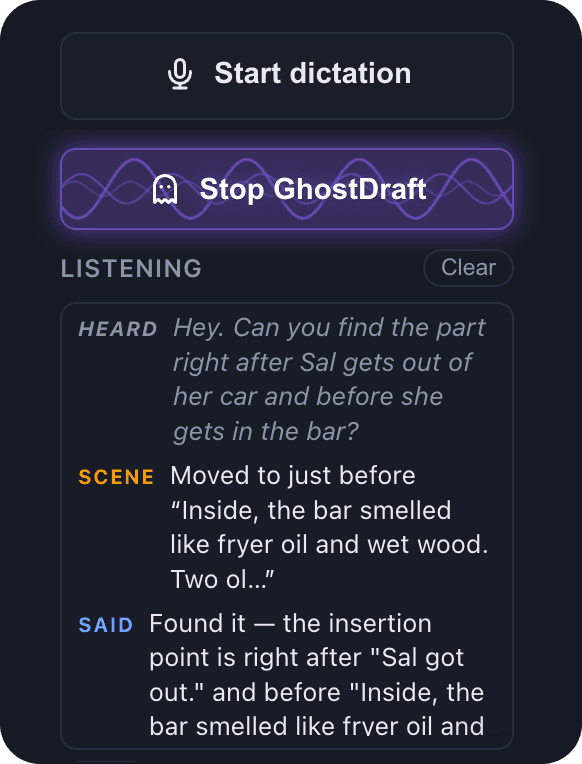
GhostDraft
Your smart-assiatant and typist! Ask questions, search for sections, move around your project, and create new scenes all hands free!
Beta Readers
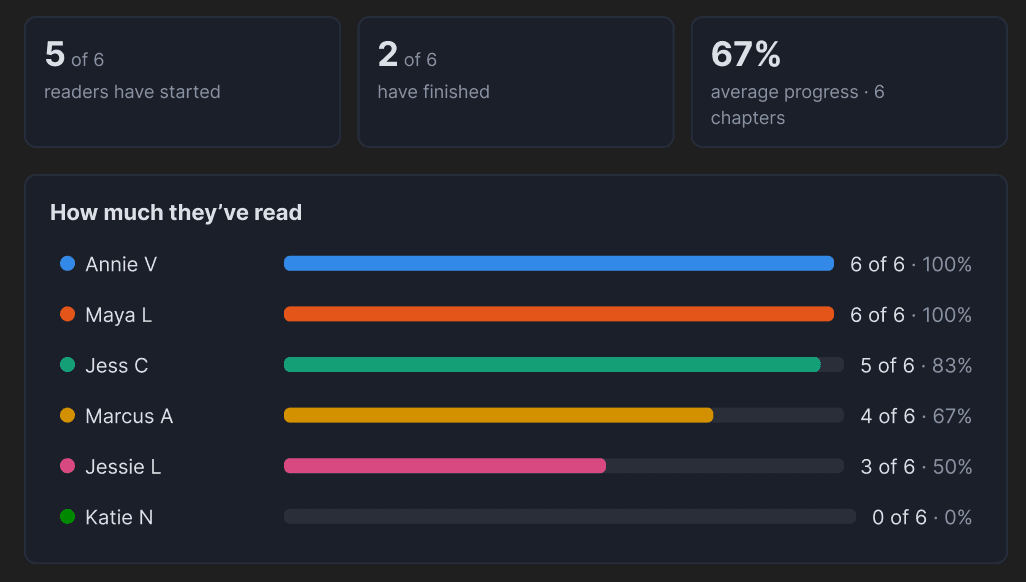
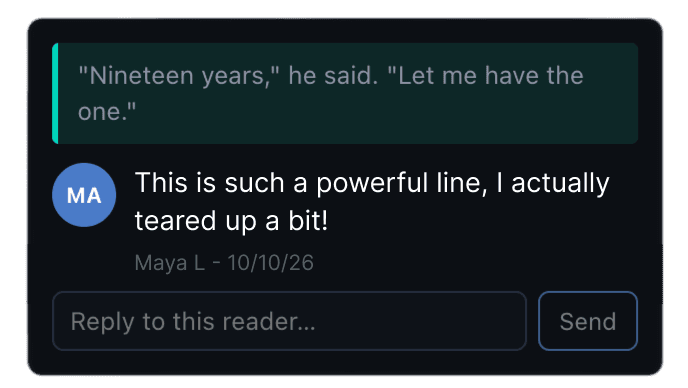
Easily share your work with beta readers and collect feedback. Create custom surveys at the end of chapters. Who do your readers think dunnit it chapter 15? How exciting was that fight scene in chapter 3? Now you can just ask!
If your beta readers want to enjoy your work printed out or on a kindle, you can send them a personalized export with QR codes after each chapter to collect their feedback.
Collaborators
Invite collaborators with special permissions and track changes with automatic backups. Share individual sections or your whole project.
Co-Authors
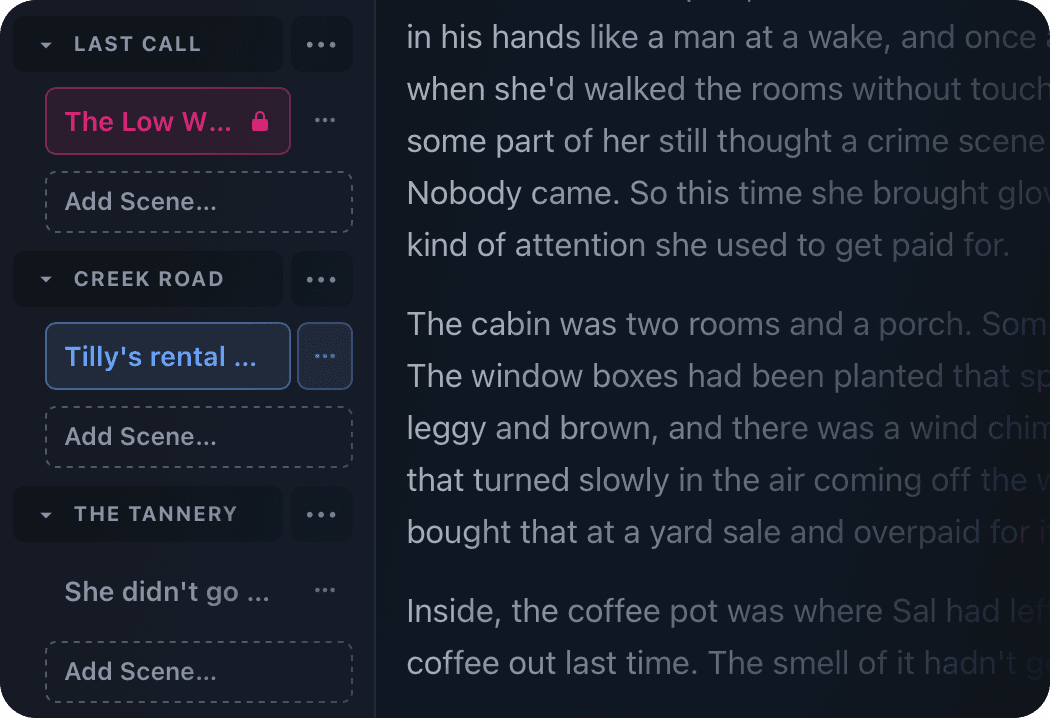
Work side by side, add comments, and lock scenes to avoid overwriting each other.
Editors
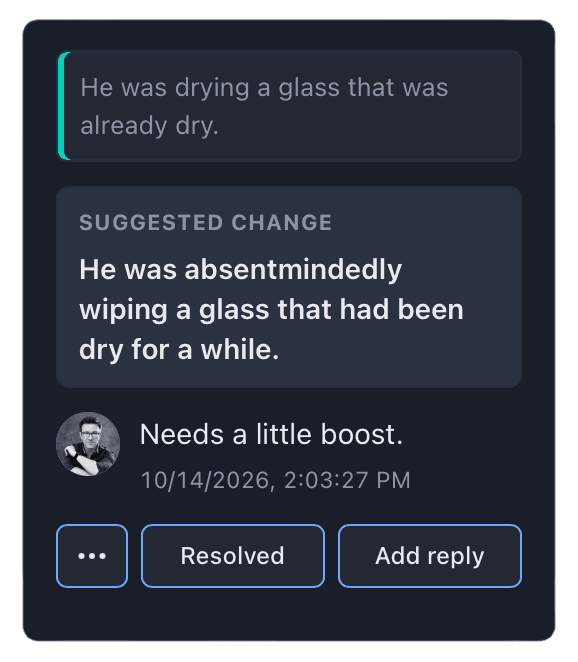
Invite an editor to make direct changes or suggest edits you can accept or reject.
Designers
Let designers add cover images, adjust layout and formatting, and customize for each platform.
Design Studio
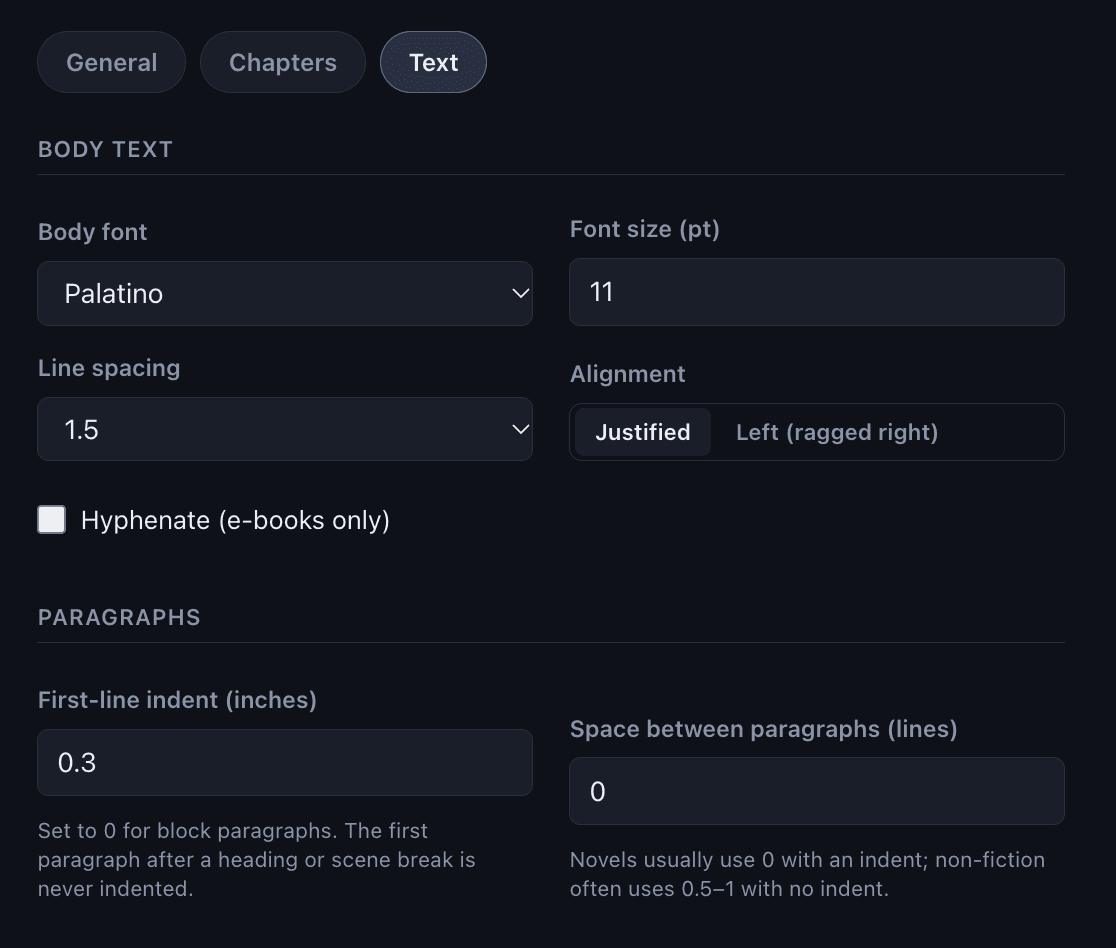
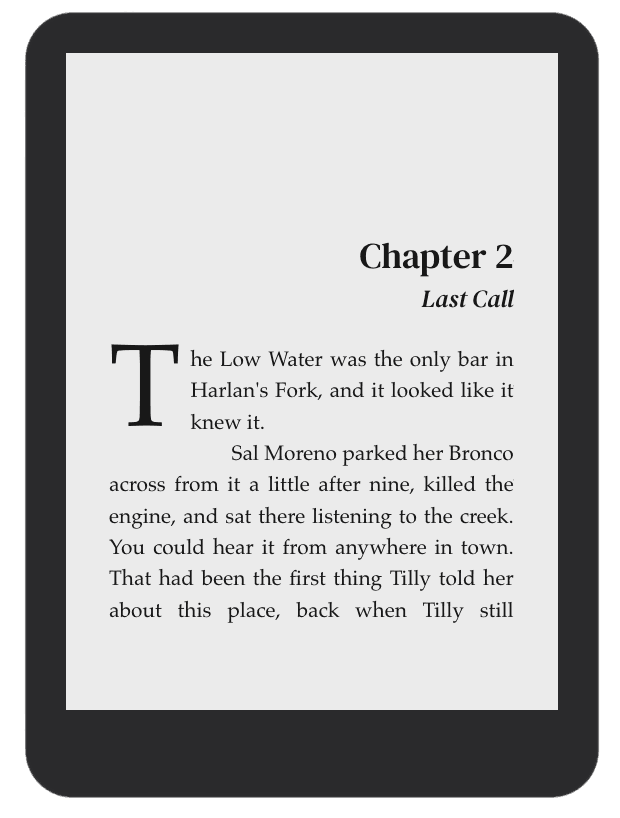
Select and customize designer-created templates or start from scratch. Drop caps with a small-caps lead-in? No problem. A 6×9 trim, justified text, and chapters that open clean on a right-hand page? You got it.
Ready to write your story?
Writuvo is in private beta. Join the waitlist and we’ll let you know as soon as your spot opens up.
Sign up for the waitlist